Color-Coding Client Cards for Quick Access: How Plain Records Keep Customer Relationships Clear
Many small teams struggle with client information that is scattered across notes, spreadsheets, and memory. A simple system of color-coded index cards can bring customer relationships back into plain view, while still being flexible enough to handle changing needs. When cards are organized by color and label, staff can see a client type, a current need, and recent purchases without opening a single app.
Why plain records still work
Plain records work because they reduce friction. A card on a desk or in a small file box is easy to scan, easy to update, and easy to share across a team without logins or permissions. For businesses that meet clients in person, handle walk-ins, or manage local accounts, this speed matters. A receptionist can pull a card, a sales associate can flip it over, and a manager can spot patterns across a tray of cards in minutes.
Color adds another layer of speed. When a color consistently means something, the eye finds it faster than text alone. That is the core of how to use color coded index cards for client organization: assign each color to one clear meaning, keep the rules simple, and update cards in the same way every time.
Choose a color system that is easy to remember
A good color system should be small enough to remember and large enough to cover your main categories. Start with three to six colors and expand only when needed. The goal is recognition, not decoration.
- Client type: Use one set of colors for the broad category of client, such as new lead, active customer, VIP, wholesale, or referral partner.
- Primary need: Use a second set of colors for the main current need, such as product question, service repair, reorder, or price review.
- Purchase stage: Use a third set of colors for where the client is in a buying cycle, such as browsing, ready to buy, awaiting invoice, or repeat purchase.
Keep the rules visible on a small legend card taped inside the drawer or on the wall. When rules are clear, staff do not have to guess, and consistency stays high even during busy days.
Set up the cards
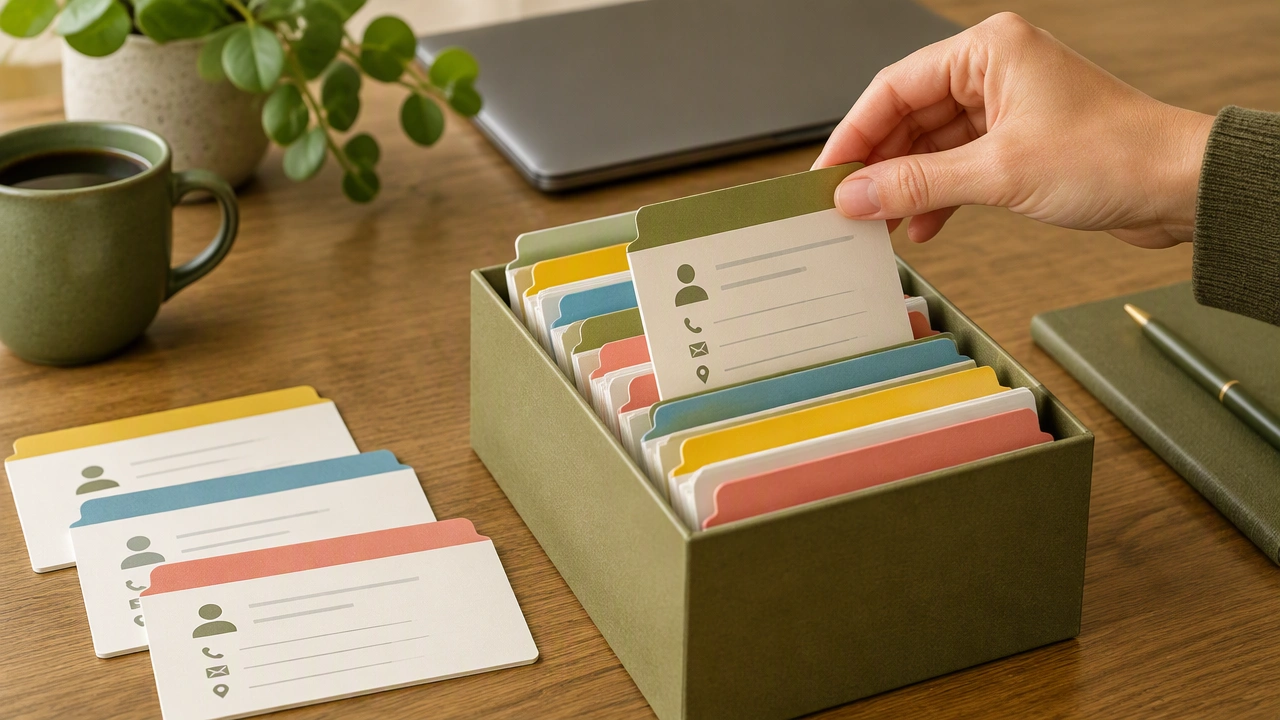
Use standard 4×6 or 3×5 index cards. Write the client name at the top in large letters. Underneath, add contact details, preferred channel, and any notes that affect service, such as delivery constraints or billing preferences. On the right edge, add a short color legend strip with small dots or tabs that match the categories you chose.
On the back of the card, keep a simple purchase history. Use dates and short line entries instead of long paragraphs. For example: “2025-09-12 — 2x widgets, 1x service visit.” If you track prices, add totals in a single column. This keeps the card scannable while still offering enough detail to guide a conversation.
Organize the tray or box
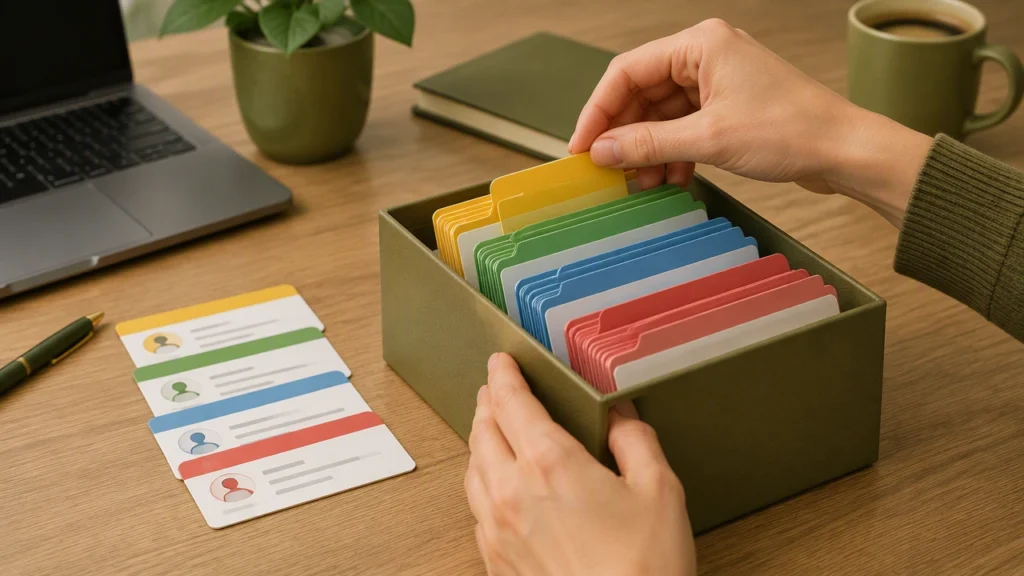
Set up a tray with dividers that match your main categories. If color represents client type, create a divider for each type and place cards behind it. If you need to find all VIP clients who need a reorder, flip through the VIP section and look for the reorder color tab. This physical layout mimics filtering in software, but it does not require any login or training time.
For offices that handle high daily volume, use a two-tray system. Tray one holds active cards for the week. Tray two holds reference cards for clients not expected soon. At the end of each week, move inactive cards to tray two and keep the active tray light. This makes daily scanning faster and prevents clutter.
Use colors to spot patterns at a glance
Once cards are in place, colors help with quick decisions. A cluster of cards with the “new lead” color signals that follow-ups are overdue. A group with the “service repair” color may show a seasonal pattern. A stack of VIP cards with the “price review” color can prompt a planned offer before clients start asking.
Managers can also run simple reviews by pulling a color group and counting it. If the reorder color is thin this month, the team can plan outreach. If the referral partner color is growing, the team can strengthen that channel. These reviews take minutes, not hours, and keep decisions grounded in current reality.
Keep updates simple and consistent
The strength of any plain record system is maintenance. Set three small habits to keep cards accurate:
- Update after each meeting: Add a short note and adjust color tabs right away, so the card stays current.
- Review weekly: Move cards between active and reference trays, and remove cards for clients who are no longer relevant.
- Check the legend monthly: Confirm that colors still match your categories and adjust if your business has changed.
Train the team to write the same style of notes: date first, short description, and a number when possible. This habit makes the back of the card easy to scan and keeps history useful.
When to combine cards with digital tools
Color-coded cards are strong for front-line speed, but they work even better when paired with a simple digital backup. After a busy week, enter key details from active cards into a spreadsheet or a lightweight CRM. Use the same category names and colors in digital fields so the two systems stay aligned. If a card is lost or damaged, the backup restores it quickly.
For teams that use both, keep the card as the first point of contact at the desk and the digital record as the long-term archive. This approach keeps daily interactions fast while still preserving history for reporting and planning.
Common mistakes to avoid
Most mistakes come from overcomplicating the system. Avoid using too many colors, changing meanings without updating the legend, or mixing categories on a single color. Keep each color tied to one idea. If a category becomes unclear, simplify it instead of adding more rules. Also, avoid long paragraphs on the card. Short lines are easier to read during a busy call or walk-in.
A simple way to start today
Pick three colors. Assign one to client type, one to current need, and one to purchase stage. Set up ten cards for your most active clients. Place them in a small tray with dividers. Use the system for one week, then adjust the legend based on what helped most. From there, expand the set as your team builds the habit. The result is a calm, clear way to manage client information that stays visible, fast, and easy to share.